


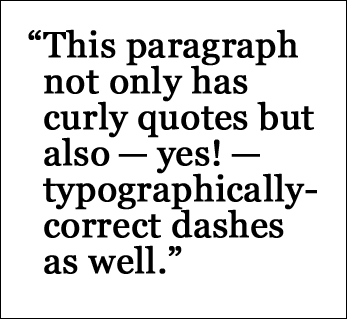
There are a few things about punctuation that drive me up a wall. They’re tiny little mistakes, more violations of convention, really, and they don’t interfere with understanding the meaning of a text. But correcting them is so easy to do.
In order to maintain your image as a communications professional, remember these finer points of punctuation.
Hyphens are not em dashes
There are important differences between hyphens, en dashes and em dashes.
- – hyphen: for joining words; it has its own key, usually between 0 and = on the top row of your keyboard
- – en dash: twice the width of the hyphen, used to join numbers (“pages 11–20”) in an inclusive series and the names of two or more places (the New York–Vermont border); on a Windows keyboard, it’s Ctrl-Number pad –; on a Mac, it’s Option-hyphen
- — em dash, twice as long as the en dash, used to join phrases and sentence, or to set off a clause or a phrase in an emphatic, informal way (“I think you should take Route 5—no, wait, Route 105”); on a Windows keyboard, it’s Ctrl-Alt- Number pad –; on a Mac, it’s Shift-Option-hyphen.
At one time, Microsoft Word had an autocorrect feature that replaced two hyphens with an en dash and three with an em, but that does not always happen anymore. Learn the keyboard combinations to be sure.
By the way, you can either put a space on each side of the long dash — like this — or you can use it without spaces—like this. Whichever style you choose, be consistent.
Quotation marks are not the same as minute and second marks
One sure-fire way to tell the difference between a book that has been professionally edited and formatted and one by, well, amateurs, is whether the opening quotation marks curl or angle in the opposite direction from the closing quotes.
They’re supposed to look like this:
“This is quoted dialog.”
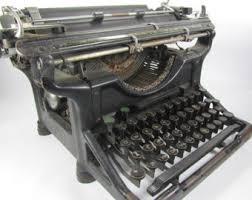 Eons ago, Noah used an Underwood manual typewriter, which only had straight vertical marks for quotations, like this:
“Two by two,” I said.
See the difference? Real opening quotation marks are like mirror images of closing quotation marks, whether single—‘’—or double “”. The straight marks are actually minute and second marks, used either for time or degress of latitude and longitude.
A lot of word processors, including Microsoft Word, will replace the straight vertical quotation marks — ” — with the appropriate opening “ and closing ” mark. How does it know which one to use?
If there is a space before the mark, Word interprets that combination as indicating the opening of a quote. No space, and Word substitutes in the closing mark.
Which leads to the next problem:
The apostrophe is not the same as the opening single quotation mark
When you depend on automation to do everything for you, you will create mistakes. Apostrophes never have spaces before or after. They indicate that there is a character missing, as in the letters n and o from cannot in can’t.
Where it becomes a problem is in using the mark without checking at the beginning of words, as in “rock ‘n’ roll,” or in abbreviating numbers, as in “the ‘90s.” These marks have their own specific keyboard combinations.
In Windows, type Ctrl with the ` (accent, left of 1), then the ” for the opening double quote. Try it.
- ” is Ctrl with ‘, then “.
- ‘ (single opening quote) is Ctrl `, then ` again.
- ’ is (single closing quote) is Ctrl ‘, then ‘ again.
In Windows, you can also use Alt-key combinations to get special characters. Hold down the Alt key and type 0145, then release the Alt key, to get ‘.
- Single opening quote: Alt 0145
- Single closing quote: Alt 0146
- Double opening quote: Alt 0147
- Double closing quote: Alt 0148
- On a Mac, single opening quote is Option ]. Single closing is Shift-Option ].
- Double opening quote is Option [; double closing is Shift-Option [.
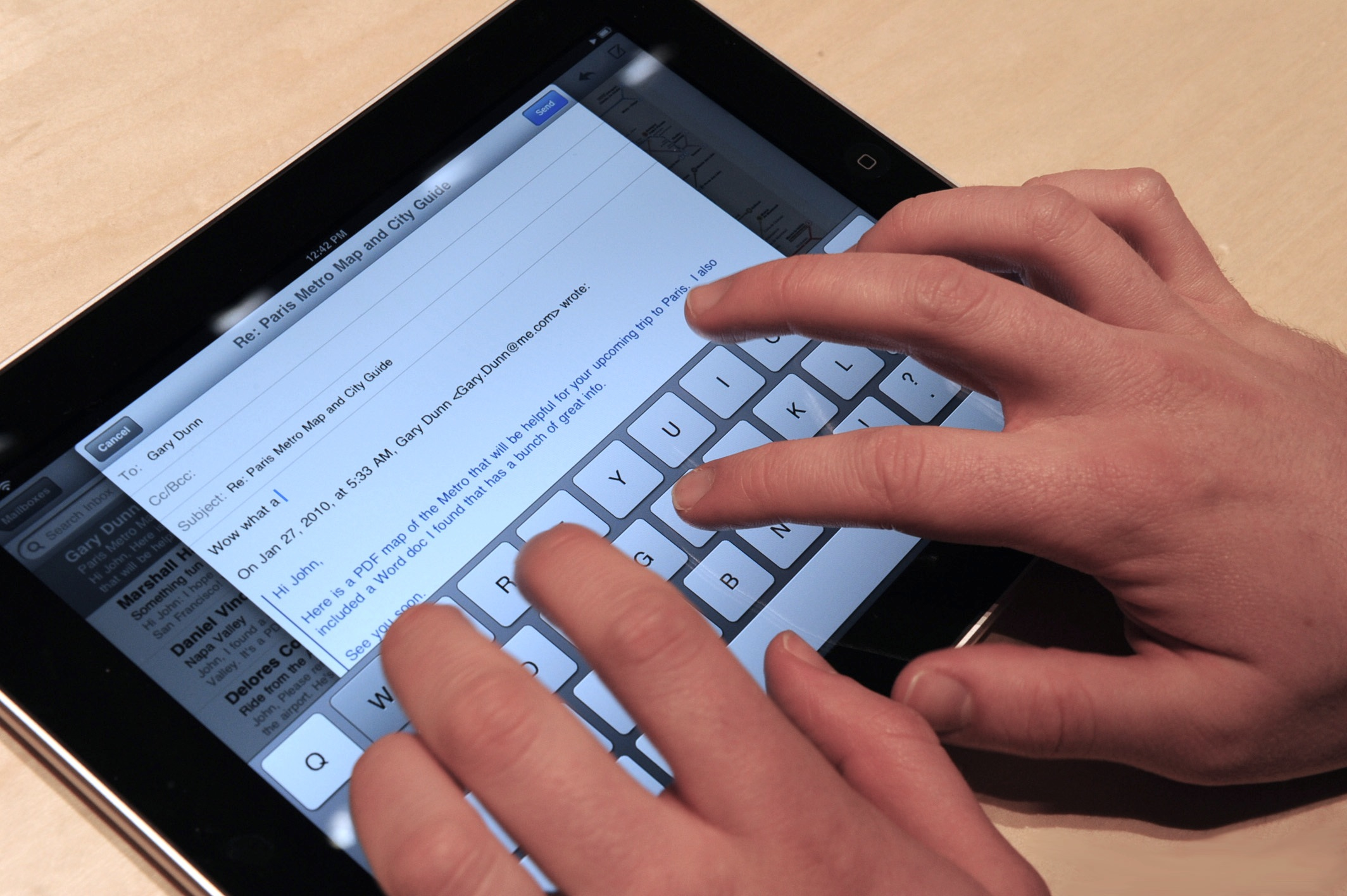
Typing on an iPad virtual keyboard? You can still get all these variations. Just touch the apostrophe key and hold your finger on the screen for a second or so to get a menu of different marks you can choose from. Slide your finger over and release.
We have to maintain the standards
No, they’re not mistakes, exactly. But having these kinds of things in your book or document shows that either
- you don’t care enough to make the miniscule effort it takes to fix them
- or you don’t even know that they are mistakes.
Either way, it reduces your professionalism. And in today’s extremely competitive environment, we cannot afford that.